How to Automate Lead Follow-Up for a Small Business
A small business can automate lead follow-up by capturing every enquiry in one system, assigning an owner, creating a next action, scheduling reminders and triggering appropriate email or task sequences while keeping human review for meaningful sales conversations.
Start with the workflow, not the software.
A small business can automate lead follow-up by capturing every enquiry in one system, assigning an owner, creating a next action, scheduling reminders and triggering appropriate email or task sequences while keeping human review for meaningful sales conversations.
A practical lead follow-up sequence for a small business.
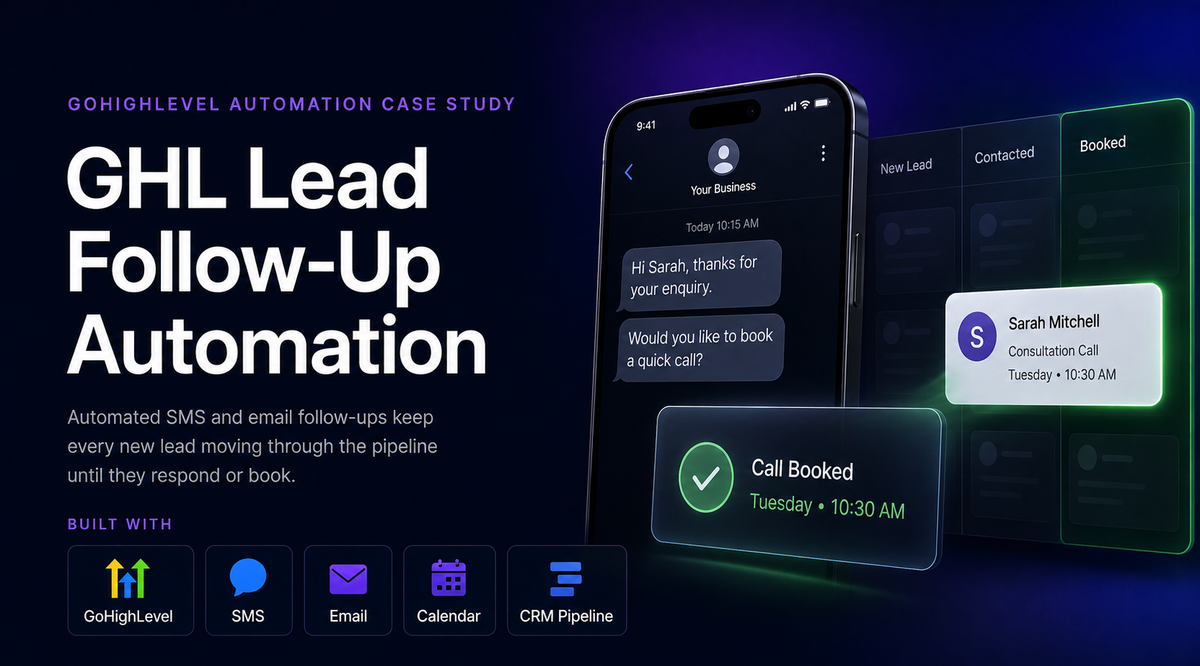
When a website form is submitted, the lead should be captured in the CRM, assigned to an owner, acknowledged quickly, and given a visible next action. If the lead does not respond, reminders can be scheduled automatically. If the lead replies with a complex question, pricing request or objection, the workflow should route the conversation back to a person.
What should not be fully automated?
Automation should support the sales process, not make it sound robotic. Keep human control over pricing discussions, objections, sensitive questions, negotiation and messages where context matters. Use automation for timing, reminders, ownership and visibility; use people for judgment and relationship-building.
- Do not send repeated generic messages after a lead has replied.
- Stop or change sequences when the lead’s status changes.
- Escalate high-value or complex opportunities to a person quickly.
- Keep a visible record of the next action and who owns it.
For implementation ideas, see our CRM automation services and automated lead follow-up case study.
Related guides: connect CRM and email, reduce lead leakage, and decide when a CRM is better than a spreadsheet.
See the idea applied to a real workflow.
Our case studies show the problem, system architecture, human controls and practical outcome.
Do we need to replace our current software?
Usually not. Existing tools should be reviewed first and connected where practical.
Should the whole process be automated?
No. Keep human review for exceptions, approvals and high-impact decisions.
How should we start?
Choose one repeatable workflow with enough volume to matter and a clear outcome that can be measured.
Want to review this workflow in your business?
Bring us the current process and we can help identify the practical next step.