Manual data entry between apps can often be reduced by identifying the source of truth, mapping fields, using APIs or automation platforms and defining what happens when data is missing or inconsistent.
Business Dashboard vs Spreadsheet Report: What Is the Difference?
A spreadsheet report is often manually assembled for a point in time, while a dashboard is designed to refresh from structured data and help management monitor KPIs, trends and exceptions continuously.
How to Automate Google Sheets Workflows
Google Sheets workflows can be automated with formulas, Apps Script, APIs and automation platforms to handle data validation, notifications, status changes, imports and recurring reporting.
How to Automate Sales Reporting
Automated sales reporting starts by standardizing CRM stages and source data, then moving recurring calculations and summaries into a dashboard or scheduled reporting workflow.

How to Build a Management Dashboard for a Small Business
A useful management dashboard starts with decisions, not charts. Identify the questions management needs answered, clean the underlying data, define a small set of KPIs and highlight exceptions that require action.
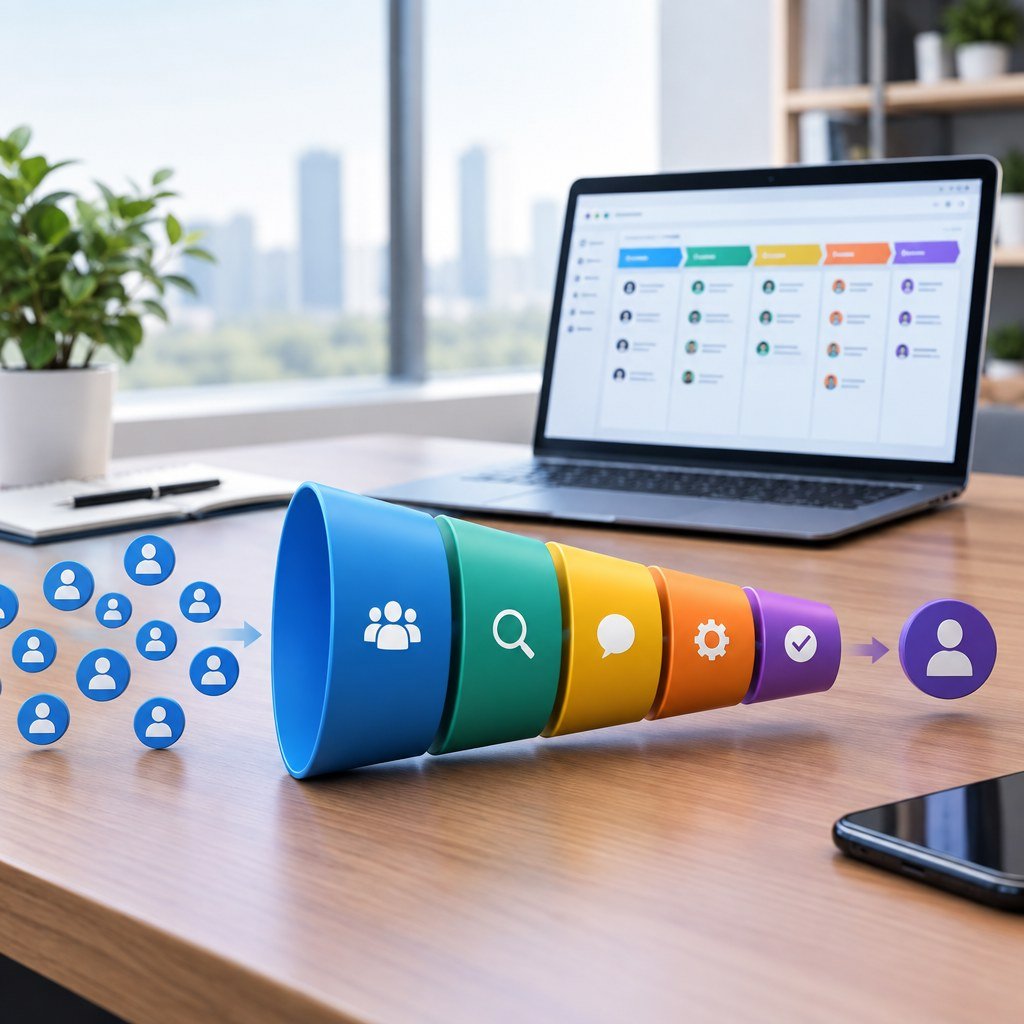
CRM vs Spreadsheet: Which Is Better for a Small Business?
A spreadsheet is often enough for a very small, simple process. A CRM becomes more useful when multiple people manage leads, follow-up must be reliable, communication history matters, or management needs pipeline visibility.