Bottom line: Agencies can reduce onboarding delays and reporting overhead by connecting forms, CRM records, project tools, file requests, approvals, and dashboards into one structured workflow. The best system automates handoffs while keeping client-facing decisions visible to the account team. Where agency operations become inefficient New clients often trigger a chain of manual steps: collect business details, create folders, send questionnaires, assign tasks, request access, build reporting sheets, and schedule kickoff calls. 1. Standardize the intake Use one onboarding form to collect company information, goals, contacts, access requirements, brand assets, deadlines, and reporting preferences. 2. Automatically create the operating structure After approval, create the CRM record, project, task checklist, folder structure, and internal notification. 3. Build approval checkpoints Automate reminders for missing assets, overdue approvals, and blocked tasks. Keep scope changes, pricing decisions, and final approvals human-controlled. 4. Connect delivery data to reporting Bring campaign, project, sales, or service metrics into a dashboard instead of rebuilding reports manually each week or month. 5. Create proactive client communication Trigger status updates when milestones are completed, risks emerge, or information is missing. 6. Measure operational performance Track onboarding time, overdue tasks, approval delays, utilization, project margin, recurring issues, and report preparation time. A common agency onboarding failure A client signs, but the account manager still has to create folders, request brand assets, copy contact details into the CRM, create tasks, notify delivery staff, schedule kickoff and build a reporting sheet manually. Each step may only take a few minutes, but across many clients the process becomes inconsistent and difficult to audit. A better connected workflow Use one approved intake to create the client record, project, standard task list, file-request checklist and internal notification. Missing information should create reminders, while scope changes and approvals remain with the account manager. Integration options Make: strong for visual workflows connecting forms, CRM, Drive, Slack and project tools. n8n: strong for custom APIs, AI-assisted document/email processing and more complex data flows. Zapier: strong for simpler triggers such as signed deal → create project → notify team. When a custom operations portal makes sense If the agency has outgrown multiple disconnected SaaS tools, a custom CRM or SaaS portal can combine clients, projects, tasks, communication, documents, approvals and reporting in one role-based system. That is usually a larger custom-scope project rather than a basic automation. Explore our IT, Agencies & Professional Services solutions, learn about digital operations systems, review the Business Workflow Automation case study, or compare monthly automation plans. Agencies that have outgrown disconnected SaaS tools can also review our custom CRM and client-portal options.
How Should a Small Business Evaluate AI Automation ROI?
Evaluate AI automation ROI by comparing the current cost of repetitive work, delays, missed follow-up and rework against implementation cost, maintenance and the measurable improvement the workflow can realistically deliver.
How Can a Small Business Use AI for Customer Support?
AI can help categorize support requests, draft responses, surface knowledge, route tickets and summarize conversations, but customers should still reach a person for exceptions, complaints and sensitive issues.
Hiring an AI Consultant for a Small Business: What Should You Expect?
A useful AI consultant should first understand your business process, identify realistic opportunities, explain risks and dependencies, and recommend a practical roadmap before proposing tools or automation.
What Is an AI Readiness Assessment for a Small Business?
An AI readiness assessment reviews a business’s processes, data, systems, repetitive work and operational bottlenecks to identify where AI or automation is practical, what dependencies exist and what should be prioritized first.

How to Build a Management Dashboard for a Small Business
A useful management dashboard starts with decisions, not charts. Identify the questions management needs answered, clean the underlying data, define a small set of KPIs and highlight exceptions that require action.

CRM vs Spreadsheet: Which Is Better for a Small Business?
A spreadsheet is often enough for a very small, simple process. A CRM becomes more useful when multiple people manage leads, follow-up must be reliable, communication history matters, or management needs pipeline visibility.
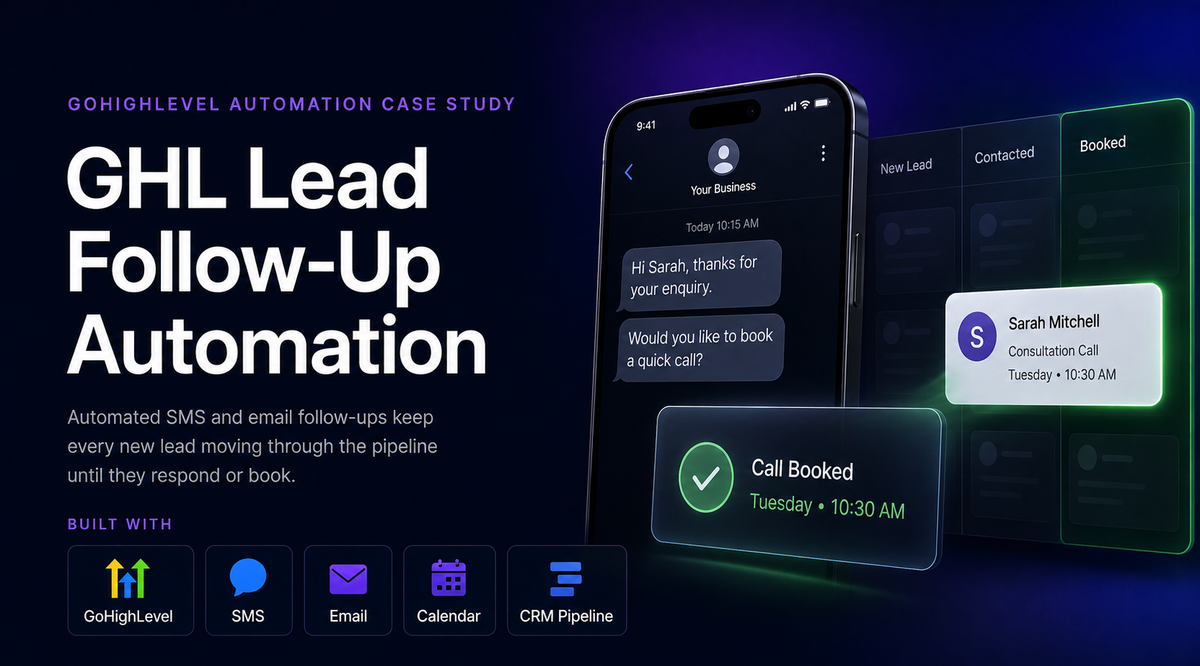
How to Automate Lead Follow-Up for a Small Business
A small business can automate lead follow-up by capturing every enquiry in one system, assigning an owner, creating a next action, scheduling reminders and triggering appropriate email or task sequences while keeping human review for meaningful sales conversations.

Where Should a Small Business Start With AI?
Start with a specific business problem: repetitive work, slow response, missed follow-up, scattered data or poor management visibility. Do not start by buying another AI tool.